
Comments
Comment feature
On webooking v2 orders, it is possible to have internal communication about the orders. To create a comment or add comments to orders, you can click on the comment icon on the web booking order list or on the comment icon inside the web order.
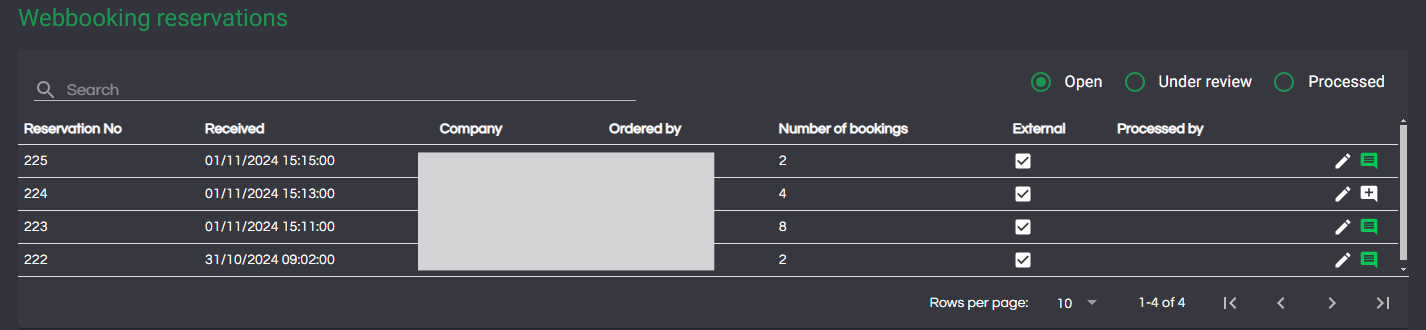
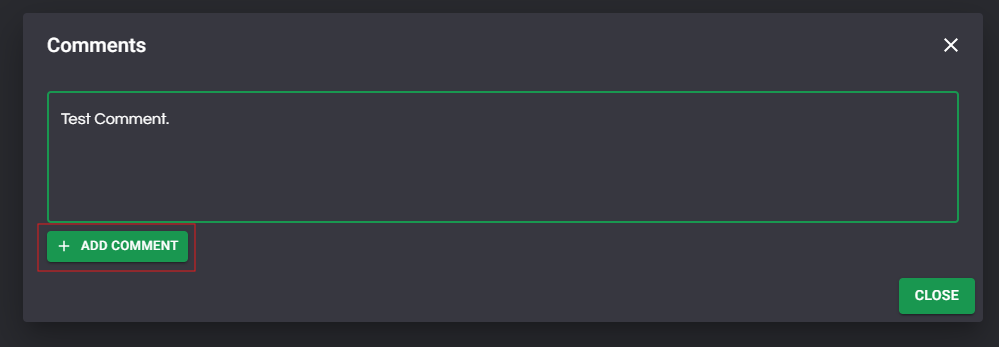
To add a comment, enter the comment and click "Add comment". When finished you can click "close" to close the dialog.
Orders with comments have this icon:

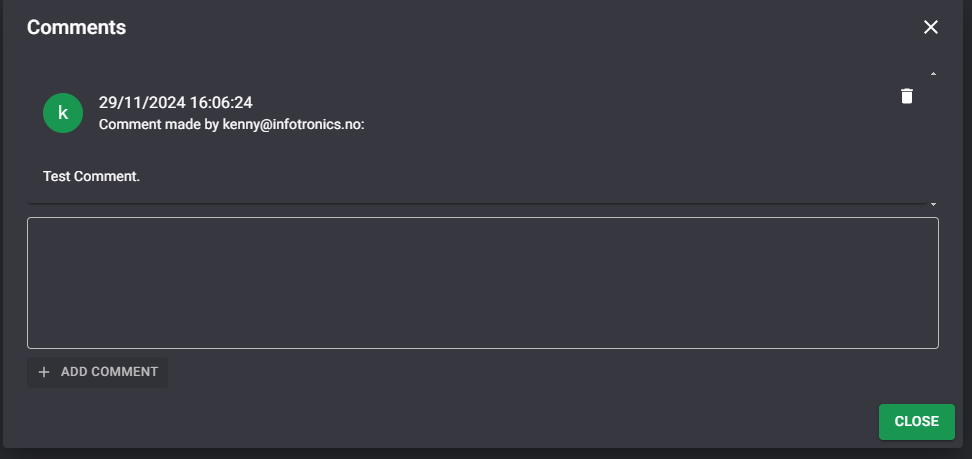
Comments will show date and email address of the comment.
The feature is also available on the company list.
