
Split/Copy Booking
Background
CIS has support for splitting and copying a booking. The purpose: if you have a guest who wants to stay for a longer period, but where you only have capacity for part of the period, you can split the booking and process the two periods separately (e.g. by putting on a waiting list during the period when you do not have capacity).
If you split a booking as described below WITHOUT choosing a split date, you effectively create a copy of the original booking.
Split booking can be done on bookings with status Booked. Keep in mind that there may be rules relating to additional charges for arrival/departure dates that may have consequences by splitting bookings this way.
Approach
Open the booking you want to split and click Split booking:
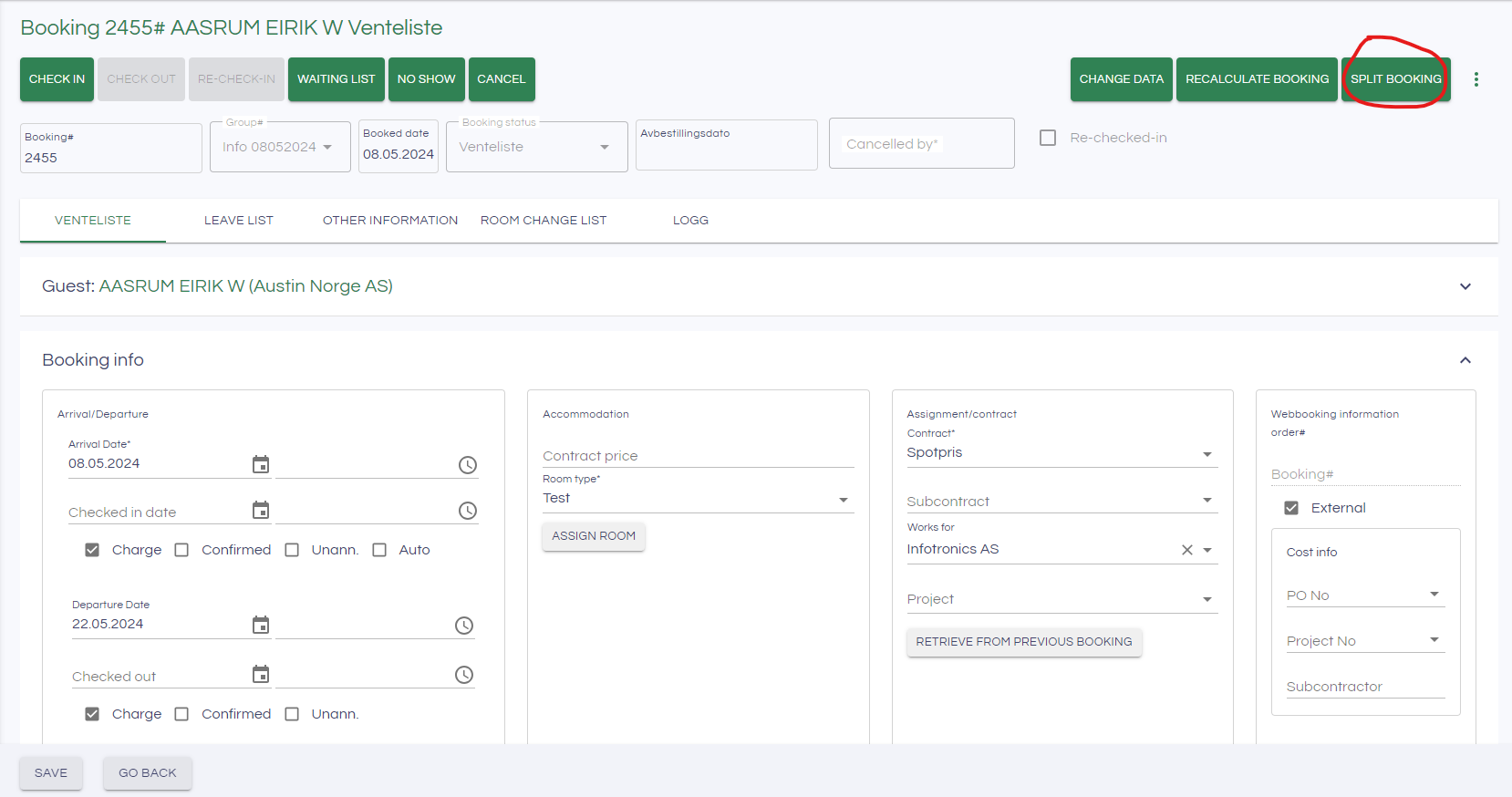
As you can see from the booking above, the period for this booking is 08.05.2024 - 22.05.2024.
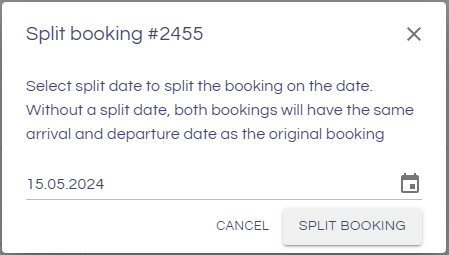
Choose date. The departure date on the original booking will be set to the day selected, while the new copy will start on the day selected. If you do not choose a date here, both bookings will have the same period.
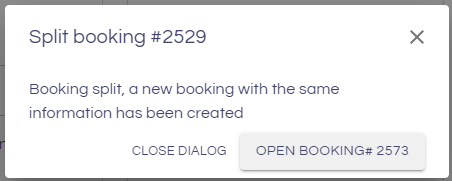
The message below will be displayed, and you can choose to go to the new booking:
In the booking overview, we now see that we have two bookings for the guest:
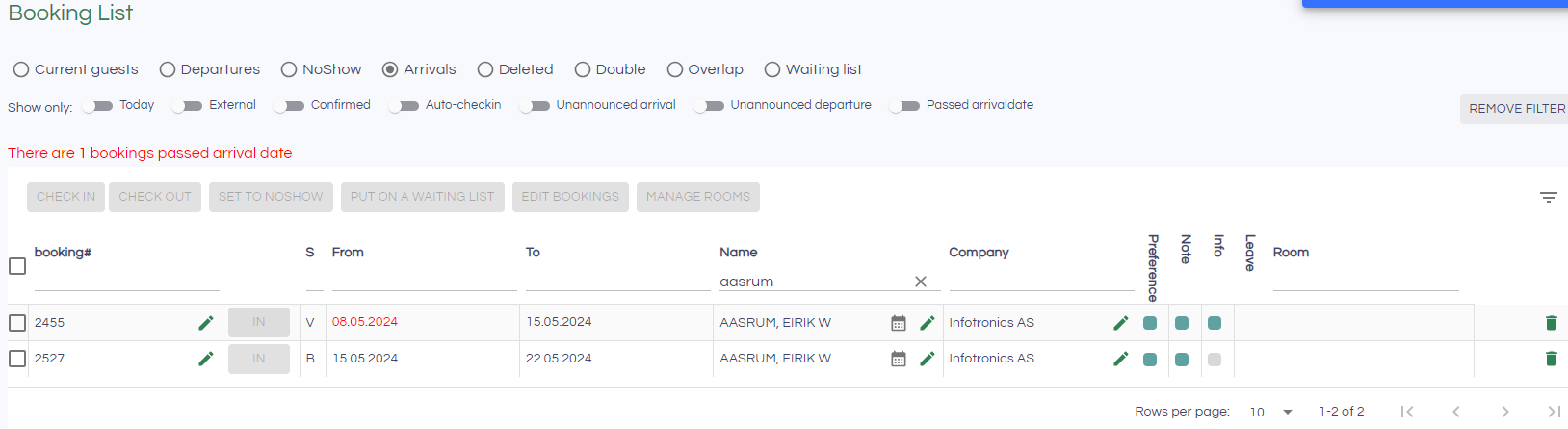
These can now be processed separately, for example by putting the booking for the last period on a waiting list.