Common area tasks
Background
Cleaning tasks in InfoCamp CIS are mainly linked to bookings, where, for example, weekly cleaning is performed (calculated from the check-in date on the booking) and departure cleaning at check-out. The frequency and which tasks should be set up are arranged under Contract. In addition to this type of "booking-oriented" tasks, it is possible to create "calendar-oriented" tasks, and this article describes how it is done.
Task plan
Under Setup->System->Task Schedule, you can define and edit task schedules. Select the task schedule in the table above to see which tasks and with what frequency are set up in the table below.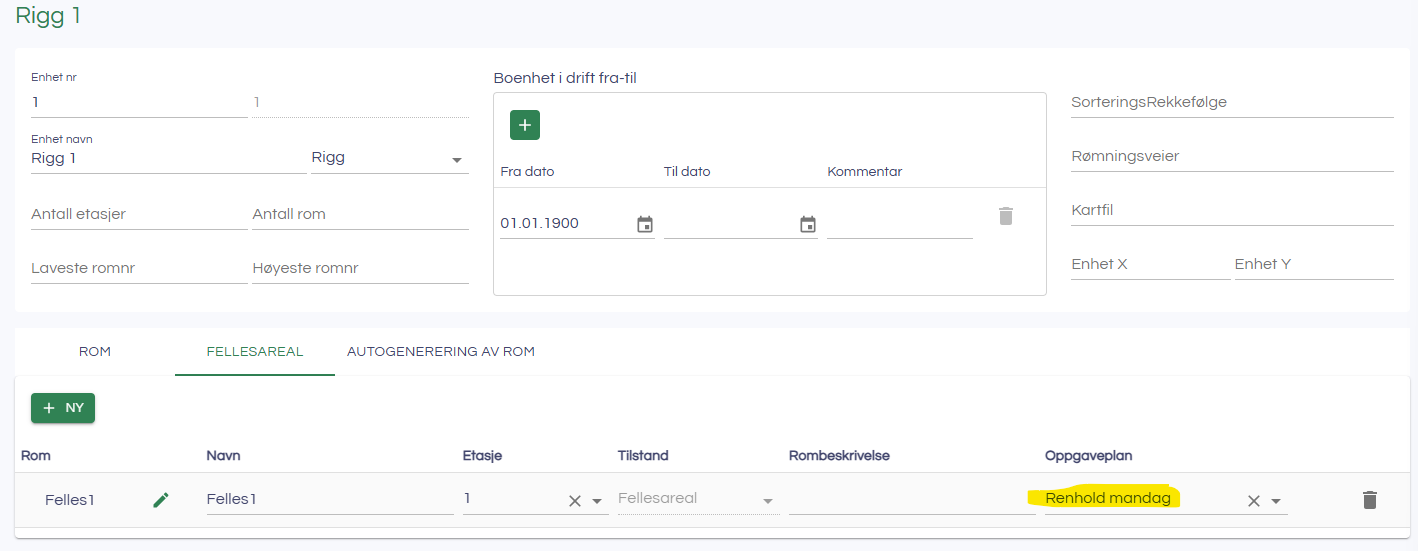
Common area
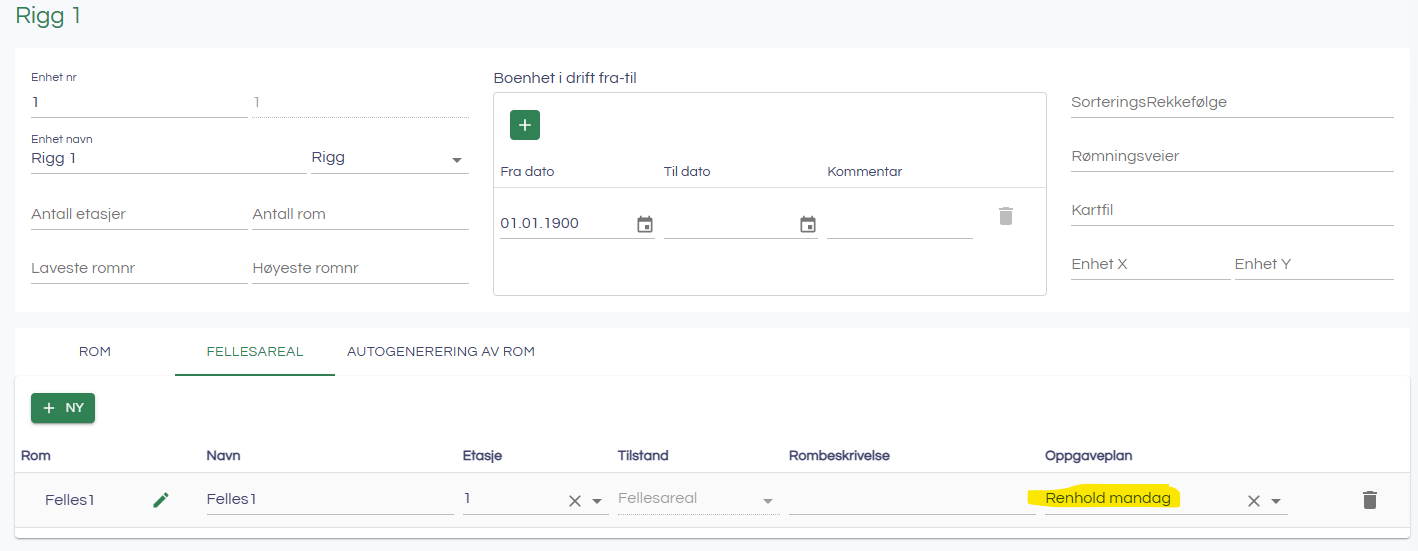
Under Setup->Camp setup->Housing Units->[Select housing unit] you can then define Rooms as common areas. You can then select the Task Plan for the specific room as follows: