Housekeeping
Room status
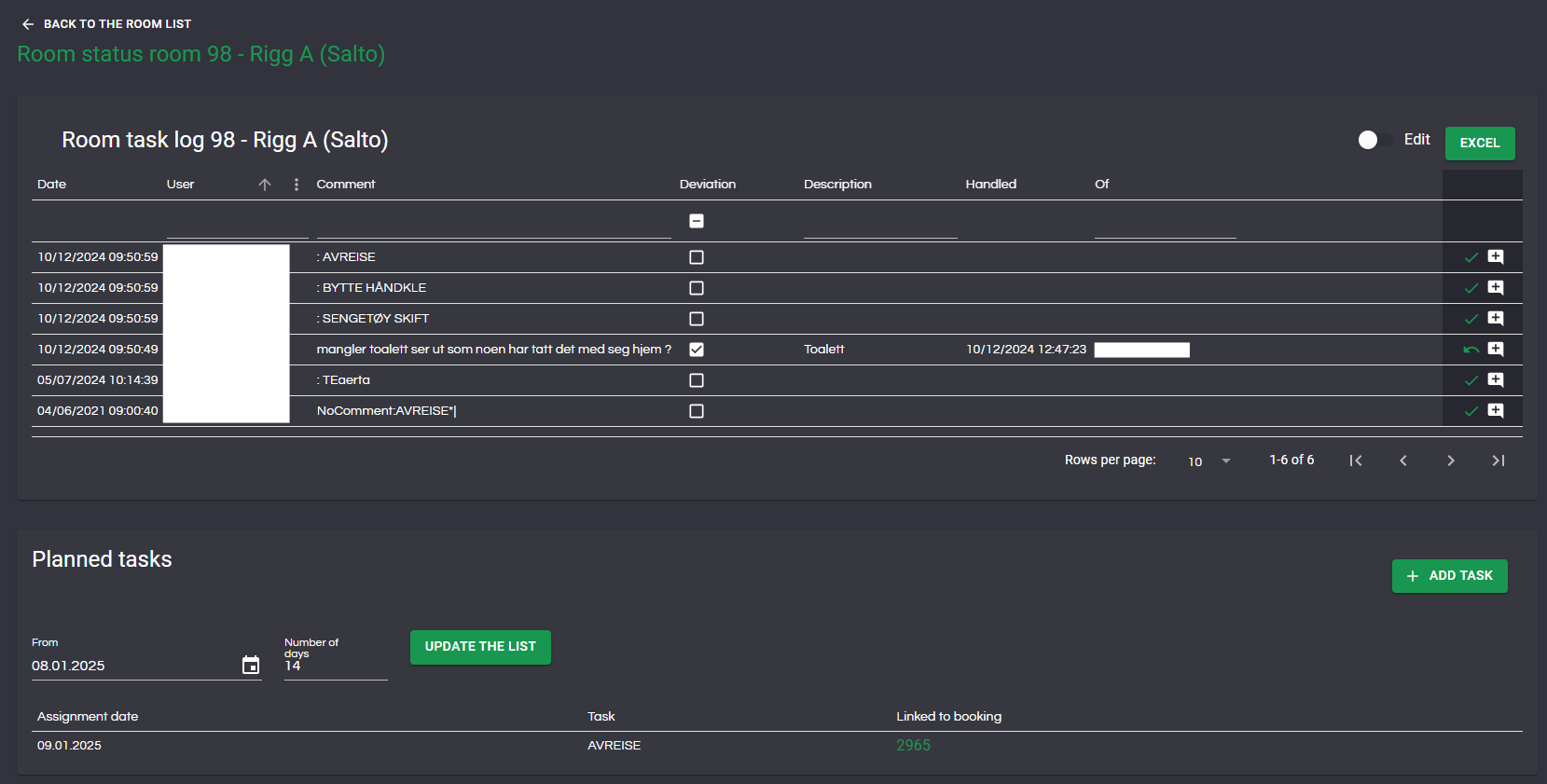
Under Housekeeping->Room status you will find an overview of the status of all the rooms in the camp. You can search/filter down to the individual room you want to see the status of. Press the log icon to see detailed information about completed tasks, any deviations and planned tasks. For handling of deviations, see the next section.

Deviations/assignments
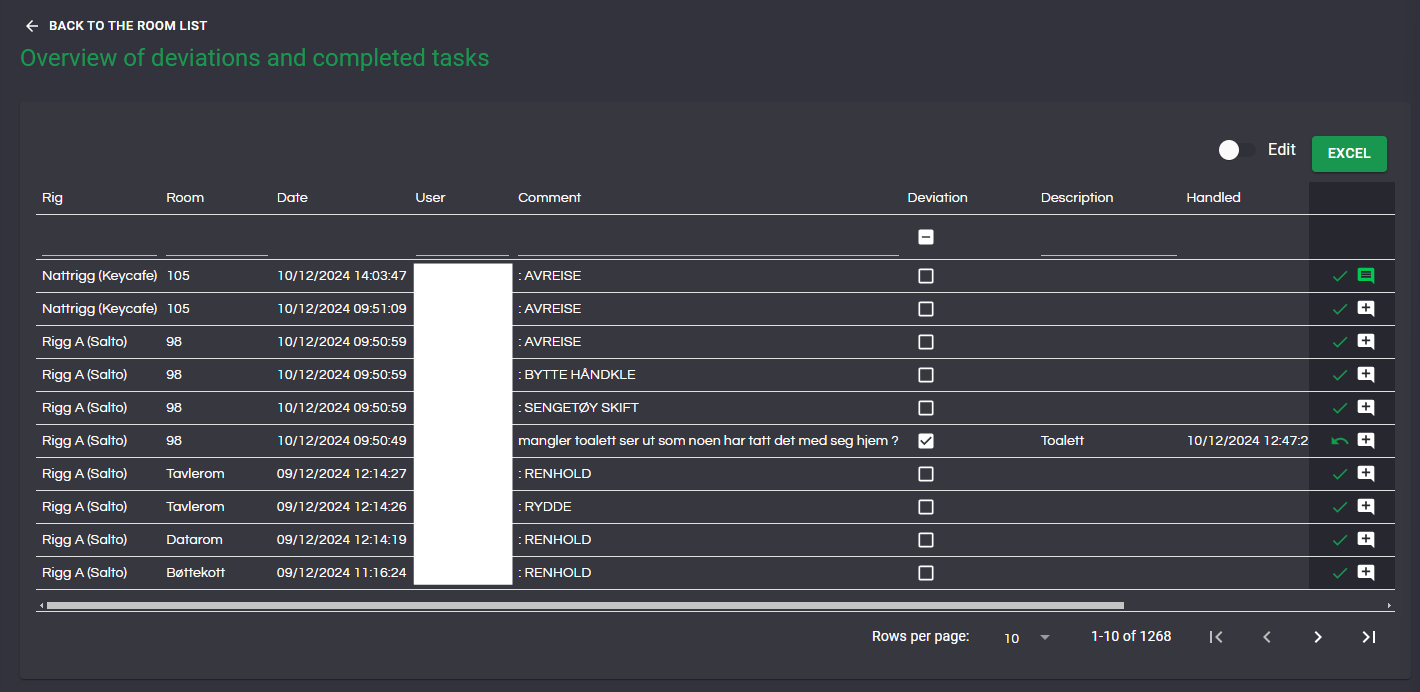
Under Housekeeping->Deviations/assignments you will see an overview of all tasks carried out and any deviations recorded by the cleaning staff.
Filtering
The list can be filtered by rig, room, the user who performed the task/reported the deviation, comment/task, deviation, description and who handled a deviation.
Filtering deviations is done by pressing the check box under the table heading Deviations: Picture 1. shows both deviations and tasks, picture 2. only deviations and picture 3. only tasks.
1.


Handle deviations
To mark a deviation as handled, press the check icon in the right column. You can also view and post comments by pressing the comment icon.

If you find out that a deviation has not been handled, you undo the completion. On all deviations that have been handled, the check icon will be replaced by an undo icon as shown below..

Download to Excel
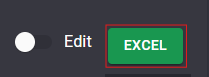
The list can be downloaded in an Excel file with tasks/deviations by pressing the excel button. The file will then contain all tasks and deviations that appear in the list:
Change user
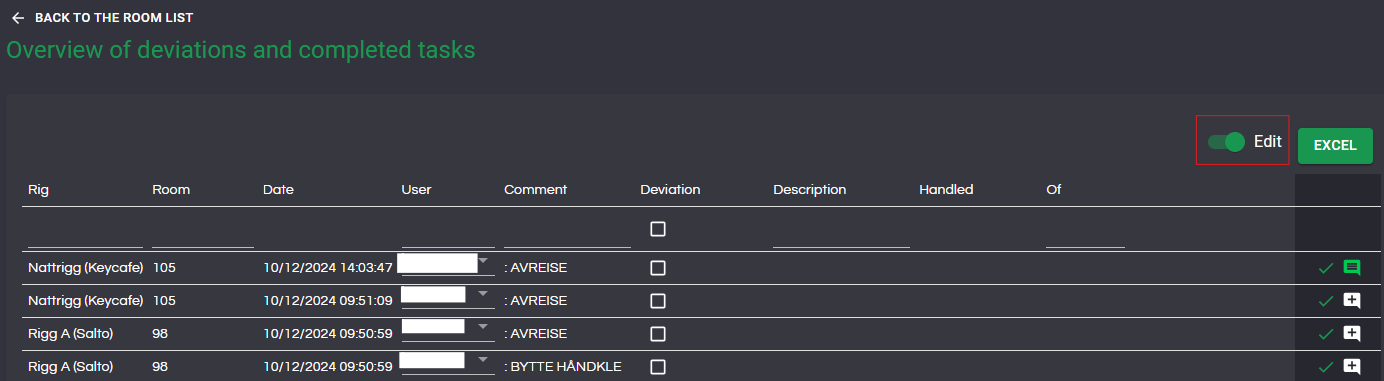
You can also edit who has done a task/ registerd a deviation by pressing the edit switch the name text will then change to a dropdown menu where you can select between the users of the system.