
InfoCamp CIS introduction
InfoCamp CIS has been developed based on many years of cooperation with camp operators. In 2023, a new and modern version of the solution was developed, and this article provides an overall overview of the system. More articles on how the solution is used can be found in the menu on the left.
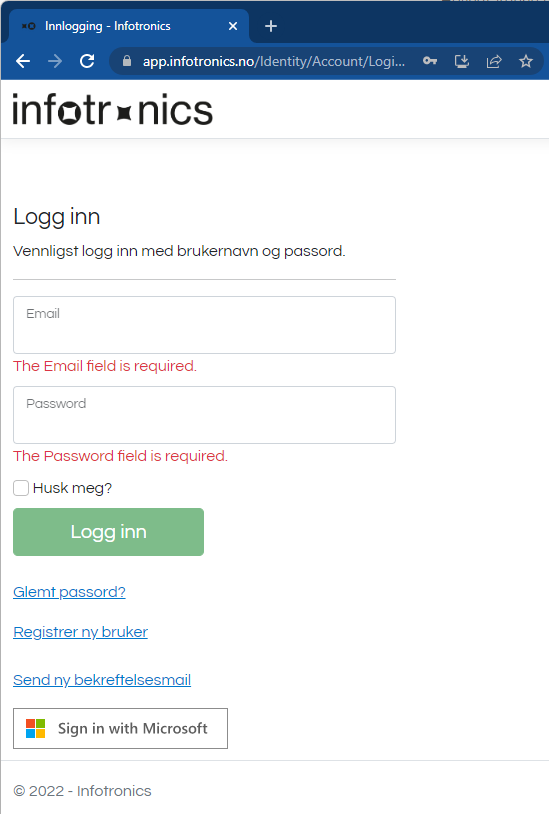
To get started, open the link https://app.infotronics.no/
The administrator for CIS or Infotronics must grant access to the solution, and login takes place either with an email address or by using Office365 login - Sign in with Microsoft.
On the dashboard (under the menu item CIS->CIS) you will get an overview of key information for the camp:
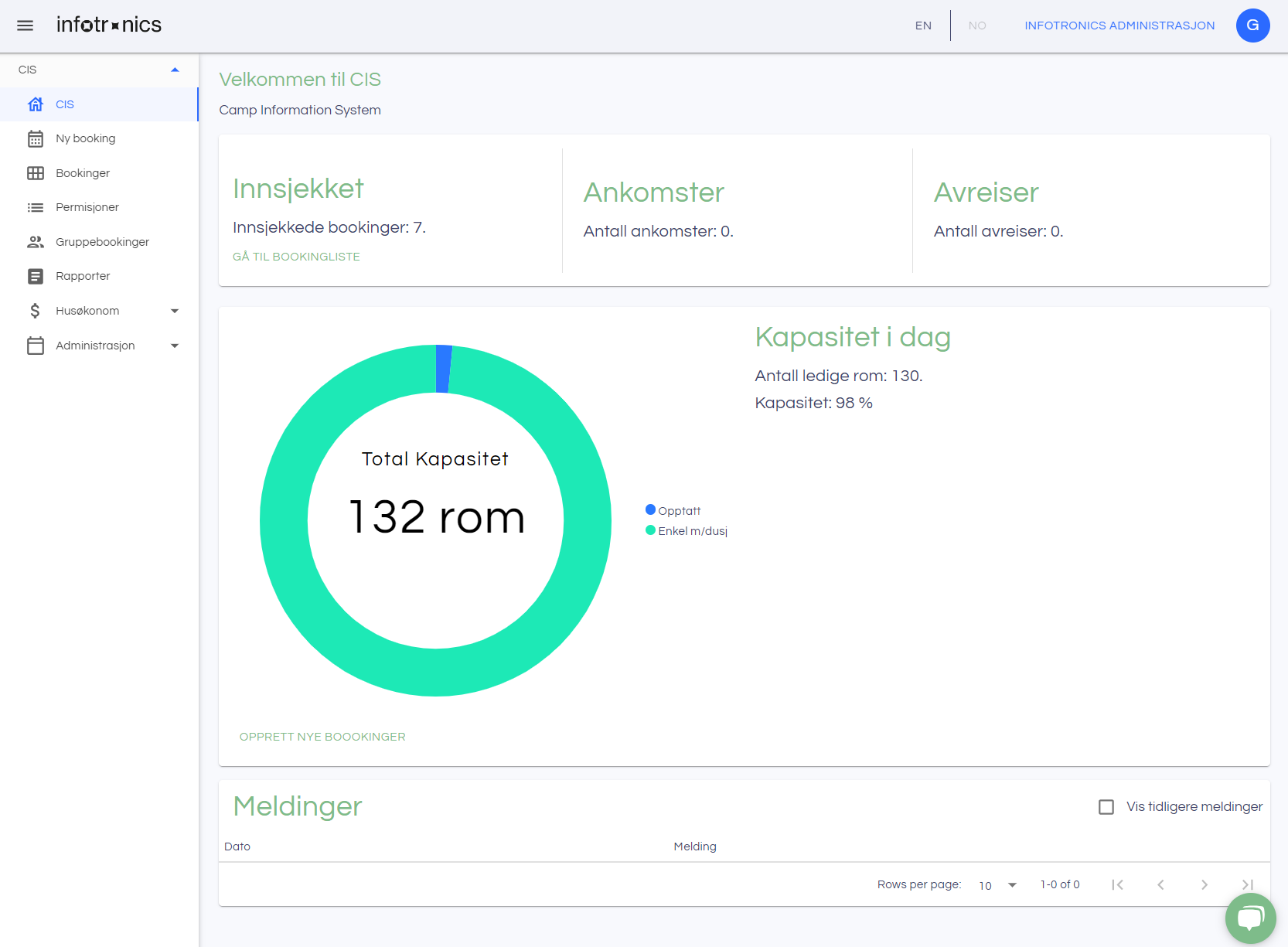
Navigation to the various modules takes place using the menu on the left. Any messages (such as that a room has been cleaned) will appear under Messages at the bottom. By clicking on the message, it is set as read and disappears from the list.