Content administration
Manage content
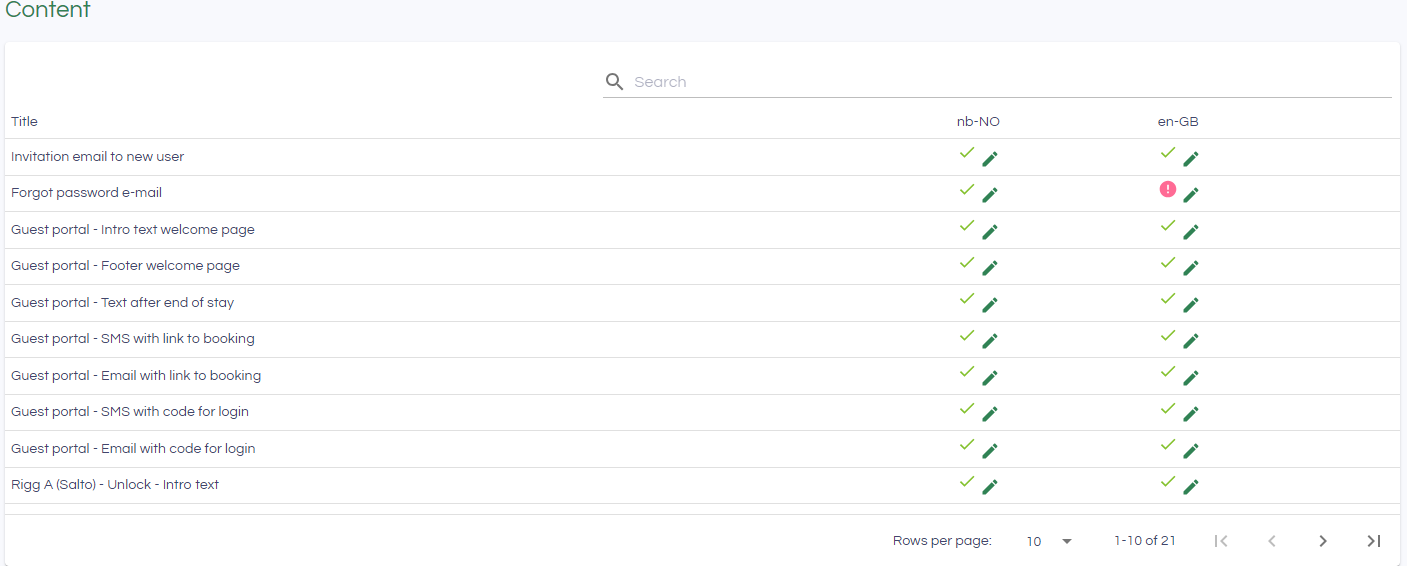
Under Administration->Content, you have the option to adjust content that is used in communication with users and guests.
| Element | Beskrivelse |
| Invitation email to new user | Email template used when new users are added to InfoCamp CIS |
| Forgot password e-mail | Email template for Forgotten password |
| Guest portal - Intro text welcome page | Appears on the front page/welcome page of the guest portal |
| Guest portal - Footer welcome page | Footer on the front page/welcome page |
| Guest portal - Text after end of stay | Appears when the guest has checked out in the guest portal |
| Guest portal - SMS with link to booking | Template for SMS that is used when information about the guest portal is sent from booking/booking overview |
| Guest portal - Email with link to booking | Template for email that is used when information about the guest portal is sent from booking/booking overview |
| Guest portal - SMS with code for login | Template for SMS used when sending a one-time code for the guest portal |
| Guest portal - Email with code for login | Template for email used when sending one-time code for guest portal |
In addition, it will be possible to enter Intro text and Footer text for each rig that is set up with a guest portal.
Overview
The overview shows which content has been entered (marked with a green v) and which is possibly missing (red exclamation mark).
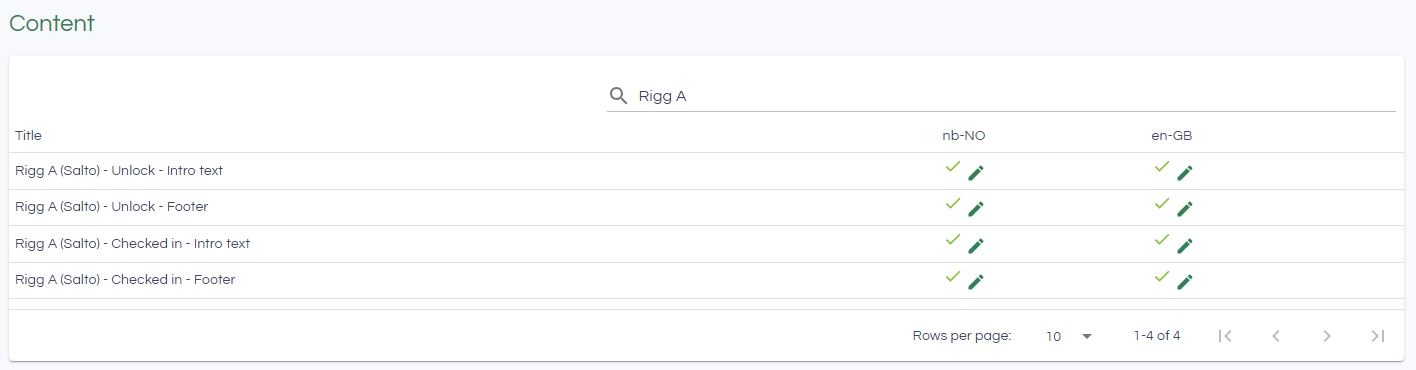
The search box can be used to filter the content, e.g. show everything that belongs to a given rig:
Click the pencil to edit contents
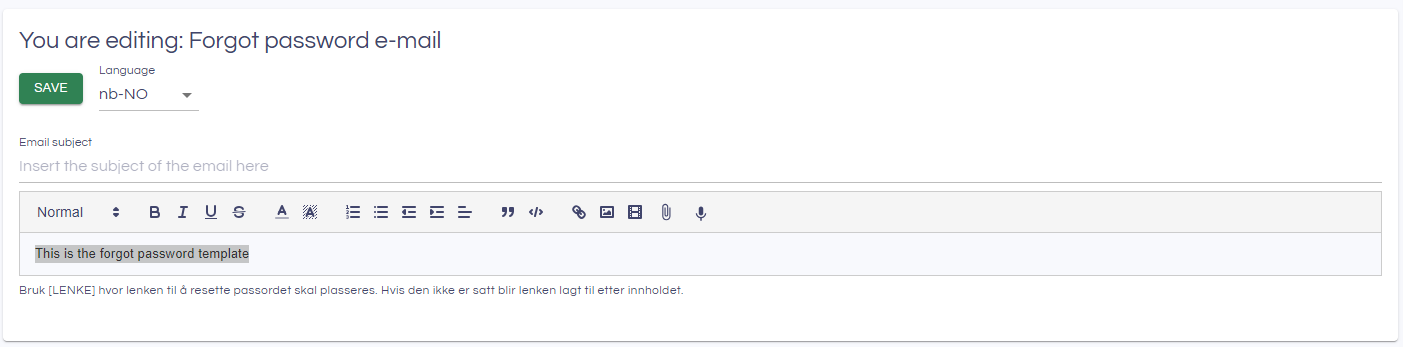
You can easily switch between the relevant languages that have been set up. Remember to click Save. The content is immediately used in the solution.
Using links
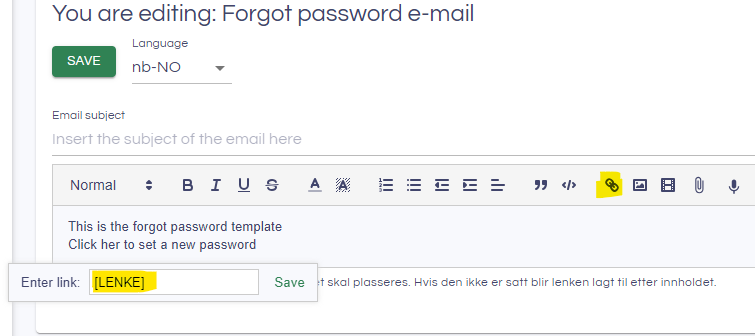
For some of the content types, links can be included e.g to to open a Forgot password page for the user. These should be included in a link in the content editor: